Designing AI That Earns User Trust,
Not Demands It
Read this to see how I:
- Used continuous discovery to build a case that became central to our strategy for retaining two at-risk enterprise accounts
- Led the design of Balto's first generative AI product, making decisions across configuration, coverage, and a new user segment
- Landed on a principle — verification over blind trust — that now shapes how Balto ships every GenAI feature
The Problem: A Legacy Approach in a Changing Market
Quality assurance (QA) is the process contact centers use to verify that agents follow regulations and meet service expectations on every call.
Two enterprise customers looked unlikely to renew. Competitors had pitched them a compelling vision:
- 100% QA call coverage
- Simpler, self-maintained configuration
- Fully automated AI-driven evaluation
Through continuous discovery, UX had already been building a case to address the configuration challenges and the shortcomings of our existing product. That overlap meant my research fed directly into the strategy to retain those accounts.
Research: Listening to the People Evaluating Us
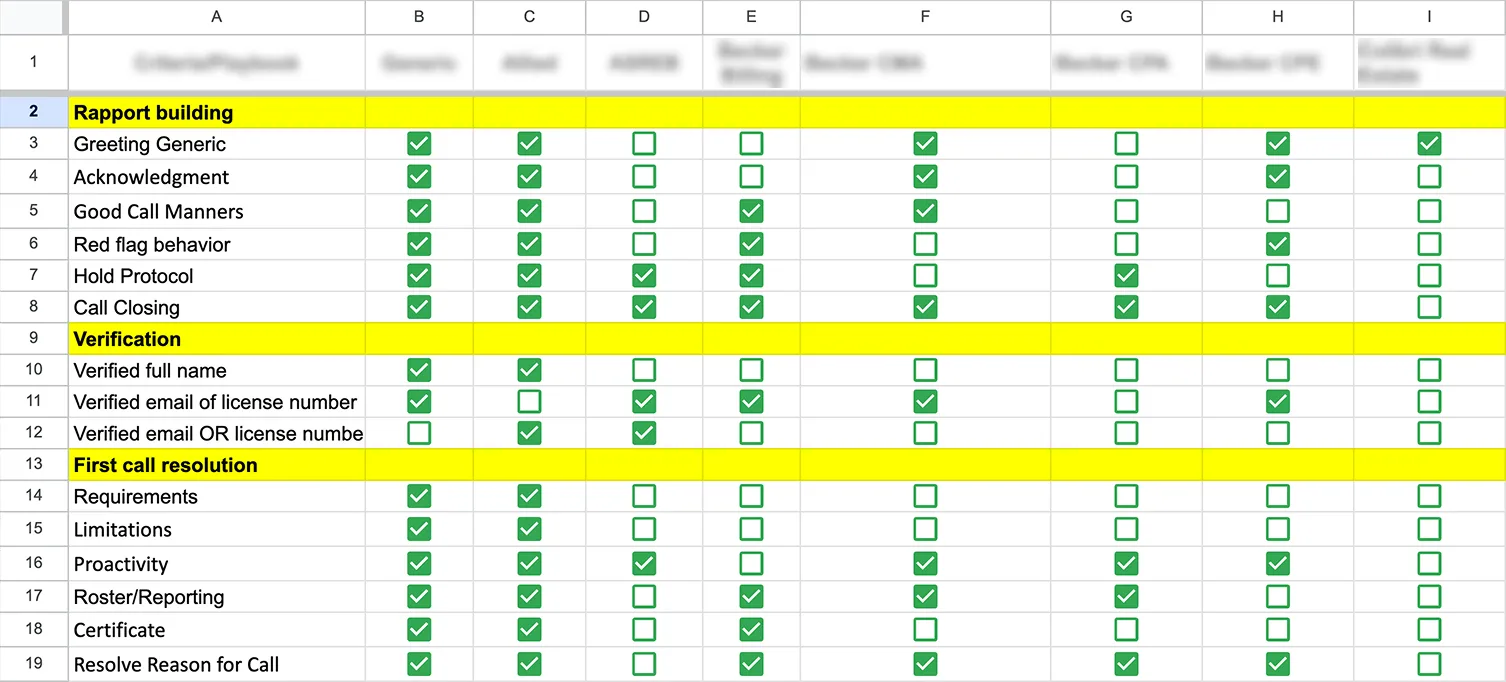
I established relationships with QA managers who would use the product daily and started to understand their pains.
During these initial conversations, the frustrations piled up quickly. Configuration was painful. Maintaining scorecards required ongoing support, and in many cases they each had their own flavor of how they liked to operate their QA department, which directly shaped how they expected to configure and use their tooling.
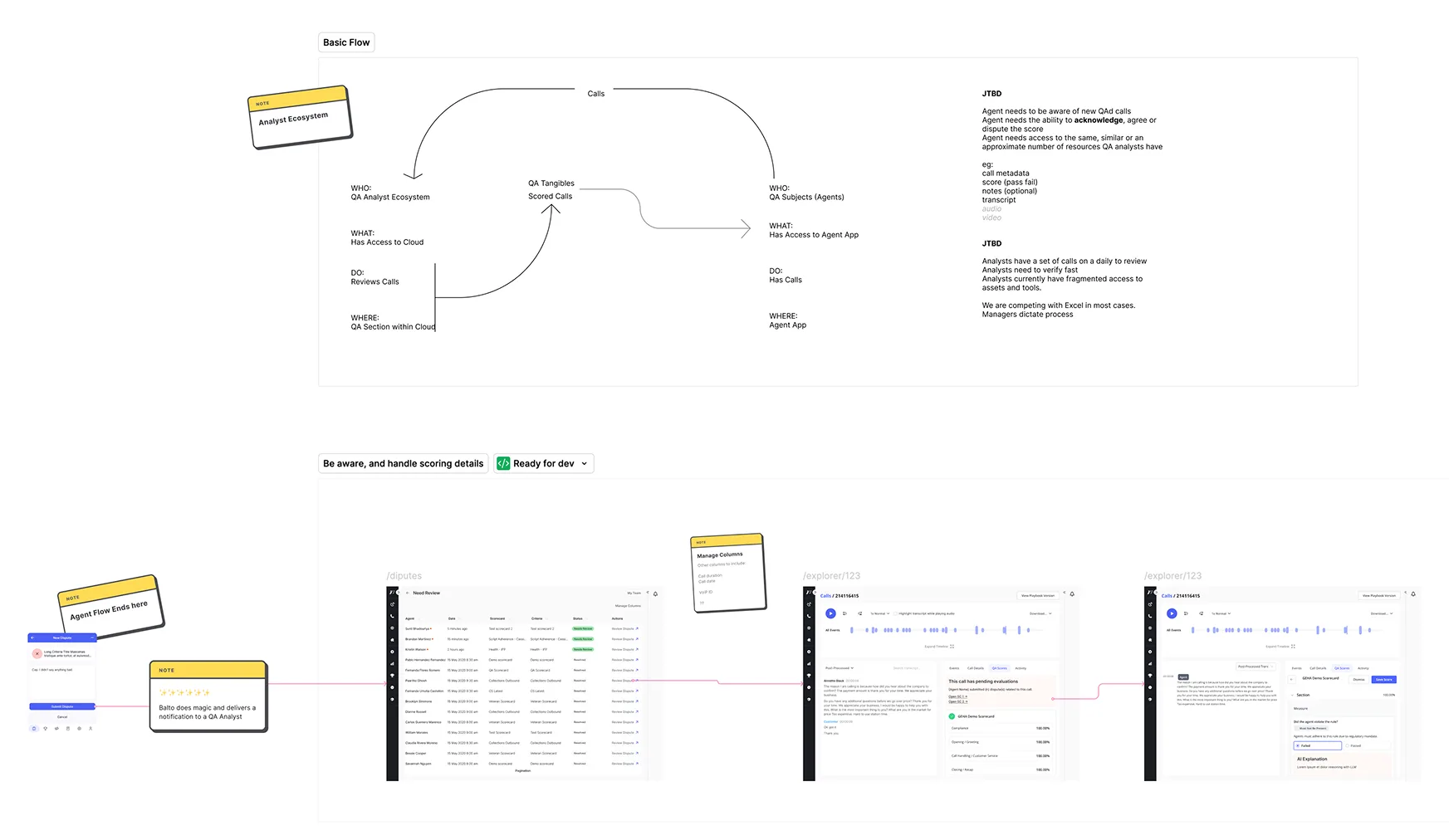
A pattern from earlier research kept coming up: QA analysts, the people who conducted daily evaluations, were doing it across Excel sheets, other software, and Balto to check for call events, but were not able to bring their workflow into our software. This confirmed that an earlier product strategy had completely dismissed the existence of this user segment.
That picture made the path clearer: introduce GenAI, match the coverage our competitors were promising, and design for a user segment we'd never built for.
Three Decisions That Changed How Users Work
Decision 1: Rethinking Configuration for the Age of GenAI
Configuration was one of the most consistent pain points across our user base. Our existing solution relied on "playbook events," essentially nested query builders that required users to construct complex conditional logic to evaluate calls. The system was rigid, broke when any connected part of the platform changed, and required Customer Success to help configure and maintain.
Our engineering team had already been experimenting with prompt-driven call evaluation, but dropping a prompt field into a broken experience wouldn't solve what users were actually struggling with. If we were rethinking evaluation, we needed to rethink scorecard configuration entirely.
The design challenge was that a scorecard criterion needed to serve two audiences at once: it had to be human-readable for analysts performing evaluations, and it had to give the LLM what it needed to evaluate the call accurately. I worked with the AI engineering team to merge both priorities into a single configuration flow. The top half of each criterion is where users write their assessment guidelines in plain language. The bottom half is where they configure the prompt that drives the AI evaluation, with tabs for prompt writing, model settings, and testing.
Configuration went from a technical task requiring support to something a QA manager could set up independently. Evaluations became more accurate because the LLM was inferring meaning from conversation context rather than matching rigid event patterns, which meant that changes across other parts of the platform would no longer break QA workflows.
Decision 2: Reframe "Evaluate Everything" into "Evaluate What Matters"
Competitors were promising 100% AI-powered evaluation, every single call scored automatically. Our customers were told this was the standard for modern QA.
Our engineering team had raised earlier that year that the compute costs of full coverage would be unsustainable, and as a smaller company we had a clear expectation to keep costs manageable. That meant we needed to rethink not just how we evaluated, but what we evaluated.
I ran a few workshops with engineers and product leadership, focused on getting everyone's constraints on the table before jumping to solutions. That's when layered eligibility came up.
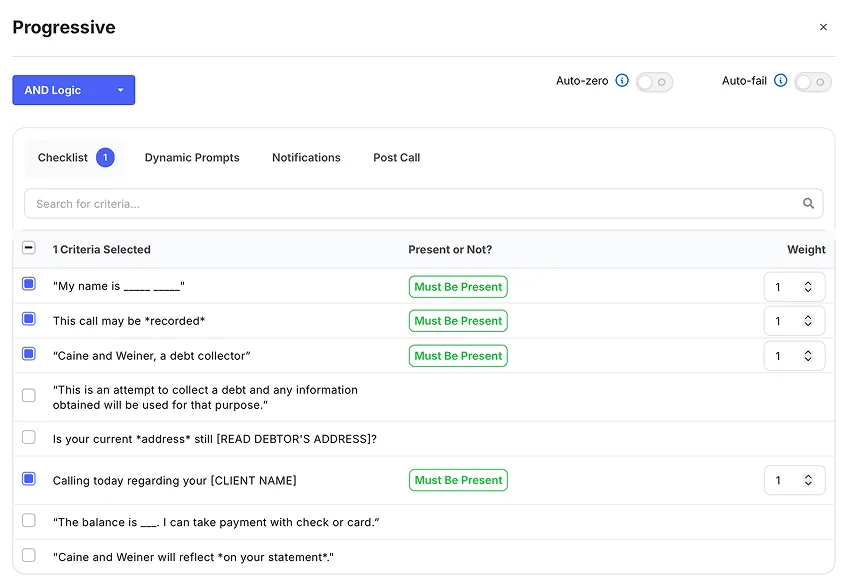
The solution was smart eligibility. Users could define filtering criteria like call length, teams of agents, and other legacy filters, while our system added a layer of LLM-powered eligibility checks on top. Only calls that match get evaluated. For edge cases, an override lets analysts manually pull in calls that the filters missed.
The layered approach improved accuracy significantly. We built a proof of concept with one of our customers to validate a list of eligible calls for evaluation, which took our eligibility from the low 60s to around 90% accurate. Evaluating every call meant drowning in low-value and noisy results. Targeted evaluation surfaced the calls that actually needed attention, more accurately and at a fraction of the cost.
Call Metadata
Calls that meet the criteria specified in the query below will qualify for scoring. Note that a single call may be assessed by several scorecards concurrently.
Eligibility
Disqualify the call if the eligibility criteria below are not met during the conversation.
Decision 3: Design for Verification, Not Blind Trust
QA analysts spent their days context-switching, jumping between internal documentation, call transcripts, and audio recordings, trying to find the specific moments where something happened on a call. Every evaluation meant hunting through an entire conversation to locate the evidence. It was slow, repetitive, and mentally numbing.
I proposed a question to engineering and product: what if we could identify those moments automatically? What if the interface could point analysts directly to the evidence they needed, criterion by criterion?
Through early usability testing, we learned analysts needed this at the criterion level, where they were already in context and making a judgment. So we built a proof of concept: a "play from here" button embedded inside each criterion that jumped the analyst directly to the relevant moment in both the audio and the transcript.
Medicare Supplement Outbound
Compliance Disclosure Review
Introduction
Did the agent introduce themselves by name and state the company within the first 30 seconds?
Did the agent confirm they were speaking with the account holder before continuing?
Needs Analysis
Did the agent ask open-ended questions to uncover the customer's existing coverage and pain points?
Did the agent listen for and acknowledge the customer's specific health and budget concerns?
Did the agent ask about preferred physicians and medications before presenting plan options?
We moved away from assuming users would blindly trust the AI. Instead, we gave them a way to work with it on their own terms. If an AI evaluation was right, they confirmed it and moved on. If it wasn't, they overrode it. Either way, the user stayed in control.
Early results showed QA analysts could get through twice as many calls in the same amount of time, without losing accuracy.
The Impact: From Churn Risk to Champion
We lost one of the two accounts. Their timeline moved faster than ours, but the customer who stayed became one of our strongest partners to this day.
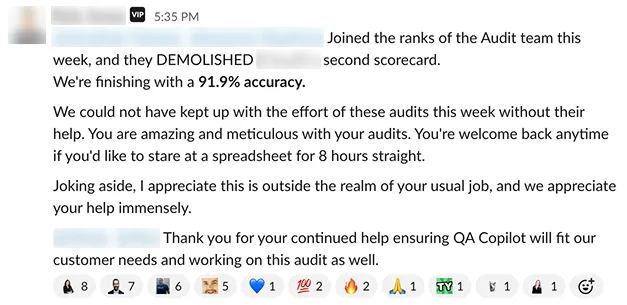
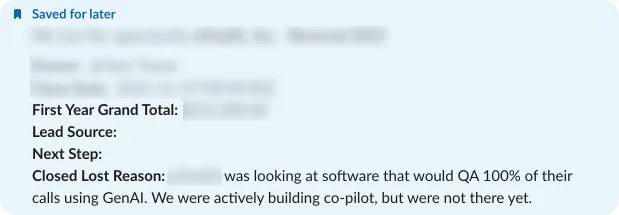
After launching QA Copilot, I tightened up our process for gathering feedback and measuring engagement and user retention. UX-Lite scores went from 2.3 to a consistent 4 out of 5 quarter over quarter.
Beyond the numbers, this changed how we thought about the product. Balto has been an AI-native company since its inception. For most of the company's history, we kept the intelligence in the background and assumed users would trust the results, and this never fully worked.
QA Copilot changed that. For the first time, the user and the machine visibly worked side by side in the same workflow. One surfaced evidence. The other made the call. Trust wasn't something we expected. It was something users built for themselves, one evaluation at a time.